

Your Agent Service
An Agent Service is your account on Manykind, the way a cloud account is: everything you build lives in one. It holds your workflows, LLM agents, and code agents, the cubby schemas, widgets, and datasets they use, and the members who work on them. Your customers’ data never lives here; it stays in their vaults.
Create one
- Sign in to ROC, the Manykind web console. The Agent Services page lists the services you can open.
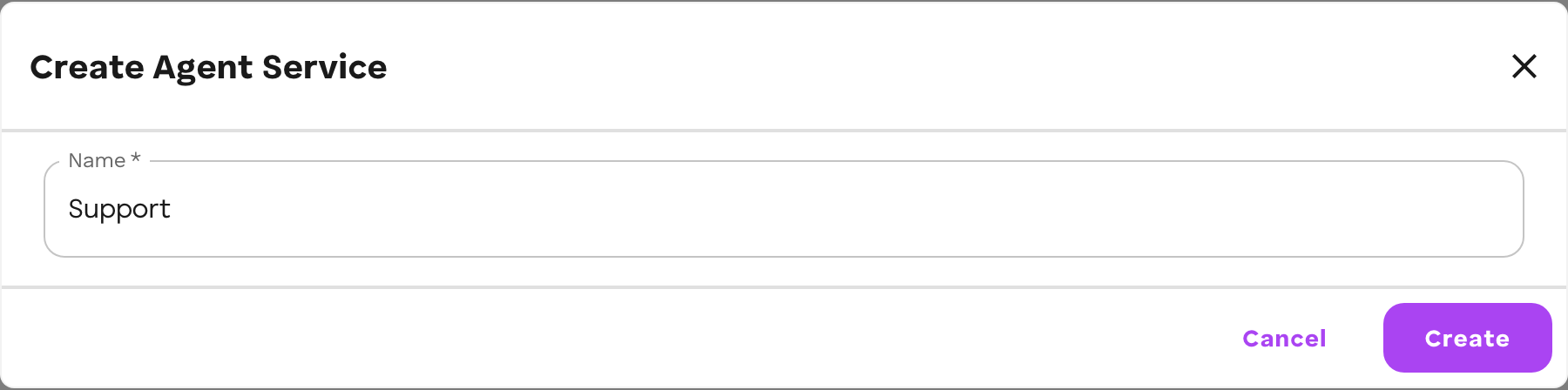
- Choose Create Service, enter a Name, and choose Create.
- ROC shows each stage as it runs: Initializing account, Creating bucket, Creating agent service, Authorizing compute, and Adding to your services. It then opens the new service.
 If ROC reports Agent service created — compute not yet authorized, the
service and its bucket exist, but its agents cannot run yet. Open the service’s
⋯ menu → Access & compute and choose Authorize compute.
If ROC reports Agent service created — compute not yet authorized, the
service and its bucket exist, but its agents cannot run yet. Open the service’s
⋯ menu → Access & compute and choose Authorize compute.
Select a service to open its side navigation:
- Workflow Builder: Sandbox, Workflows, Evaluations, Agents, Cubbies, Widgets, Connectors
- Resources: Memory Bank, Models
- Organization: Members
Connectors and the Memory Bank shown under a service belong to the vault of the organization that owns it. They are customer-side resources; the service’s workflows use them once connected.
What it holds
| Part | What it is | Where you see it in ROC |
|---|---|---|
| Workflows | Agents with a typed graph of steps. See Workflows. | Workflows |
| LLM agents | Agents defined by instructions, a model, tools, and connections. See LLM agents. | Agents |
| Code agents | TypeScript agents. See Code agents. | Agents |
| Cubby schemas | SQLite databases every agent of the service shares, one copy per vault. See Cubbies. | Cubbies |
| Widgets | Screens the service publishes. See Widgets. | Widgets |
| Datasets | Cases for evaluating a workflow. See Evaluations. | Evaluations |
| Members | The people who work in the service and may publish to it. See Team. | Members, Settings → People |
| Identity | A public key that names the service, and a storage bucket for the agent versions you push. |
Workflows, LLM agents, and code agents are three kinds of agent on the same level. A workflow can use an LLM agent or a code agent as a step; see Agents and workflows.
Identity
Every agent you publish is identified by an agent id of the form:
<agentServicePubkey>:<alias>The prefix is your Agent Service’s public key, shown in ROC; the alias is the name you give the agent. Two consequences follow:
- Siblings can address each other. An agent’s peers live under the same
service, so a sibling’s id is this agent’s own with a different alias.
ctx.self.agentIdgives a running agent its own id. - Identity is not a lookup. When a vault connects an agent, the platform derives the service from the id’s prefix and checks it against the manifest. A listing cannot claim to be someone else’s agent.
What the service shares across its agents
The service is the boundary for shared state:
- Cubbies are per service, not per agent. Every agent the service publishes reads and writes the same cubby by alias, so a sibling’s conclusions are simply there. An agent of a different service cannot reach them.
- Widgets read the service’s cubbies and the connected vault’s Memory Bank.
Durable conclusions that the customer should own and see belong in the vault’s Memory Bank, not in a cubby.
Who works in it
An Agent Service has an owner: your wallet for a personal service, or an organization’s vault for an organization service. The owner can add members. Membership sets what someone can do in ROC; publishing is separate, because the service’s storage bucket accepts only writes that chain back to its owner. Invite to publish gives a member that right. How to add people, invite them to publish, and push as a member is on Team.